

The Chatwoot Integration for addon allows you to pass various useful information about your customer to Chatwoot.
First, make sure that you setup the live chat widget correctly by following the guide in the link below:
How to Setup Chatwoot Live Chat Widget
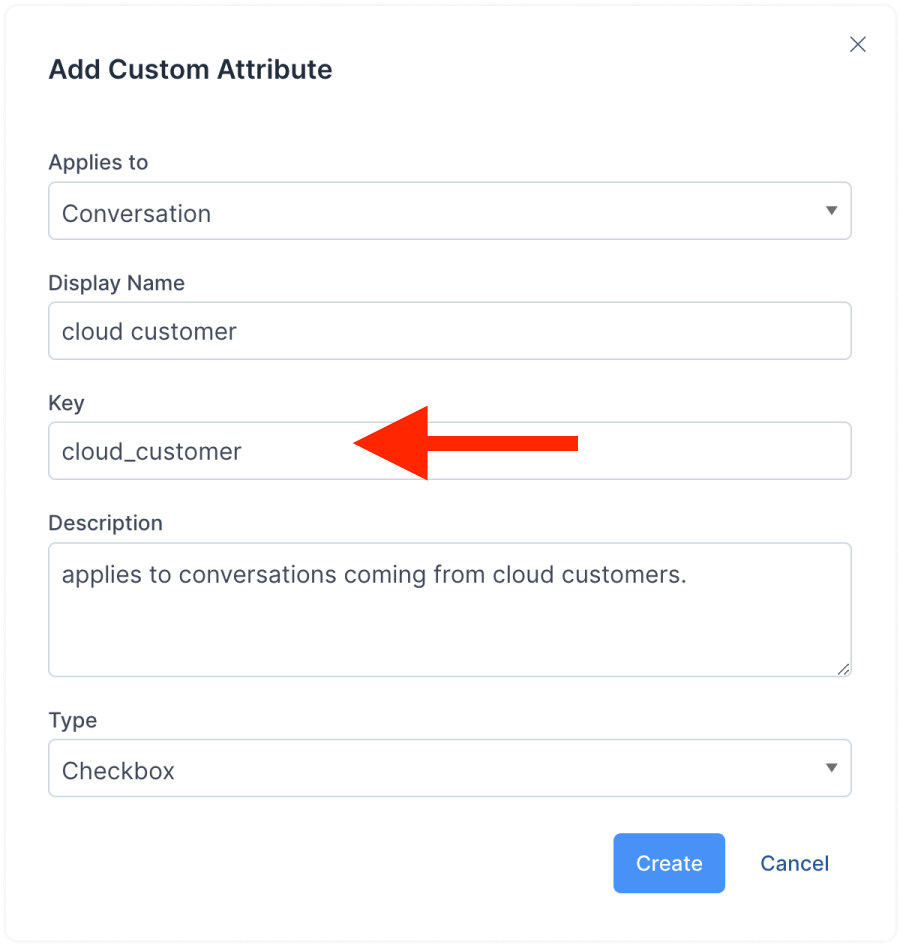
Next, to pass the custom attributes, use the following table to create the custom attributes in your Chatwoot account. You can create the custom attributes either as conversation custom attributes or contact custom attributes. To learn how to setup custom attributes in your Chatwoot account, follow the official guide in the link below:
https://www.chatwoot.com/hc/user-guide/articles/1677502327
When you create the custom attribute in Chatwoot, make sure the custom attribute key matches one of the values in the table below.
Custom Attributes Supported by the Addon:
Custom Attribute Key Custom Attribute Type Information Passed
client_id
number The client ID in
client_phone_number
number The client's phone number in
language
text The client's language
city
text The client's city in
state
text The client's state in
post_code
text The client's postcode in
country
text The client's country in
active_tickets
number The number of active tickets for the client in
credit_balance
text The client's credit balance in
revenue
text The revenue generated by the client
unpaid_invoices
number The number of the client's unpaid invoices
outstanding_total
text The total of the client's unpaid invoices
overdue_invoices
number The number of the client's overdue invoices
account_overdue
text The total of the client's overdue invoices
last_visited_page
link The current page the client is browsing