** 1**. Log into your SiteWorx account. (e.g. www.example.com:2443/siteworx/ )
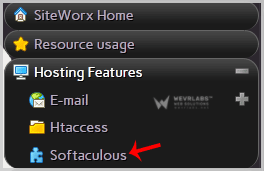
2. Under "SiteWorx Menu", click the "Hosting Features" menu item if it is not already open.
3. Click on the "Softaculous" option.
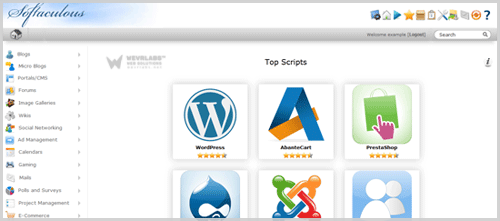
4. SiteWorx will open a Softaculous Interface.
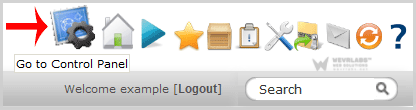
If you want to go back to SiteWorx, click on the "Go to Control Panel" icon.