

1. Log into your cPanel account. 2. In the "Files" section, click on the "File Manger" Icon.

3. cPanel File Manager will be open, select the appropriate domain name or folder location, and press the "Go" button.
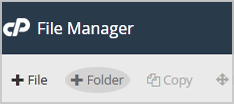
4. Click on the "+ Folder" Icon.
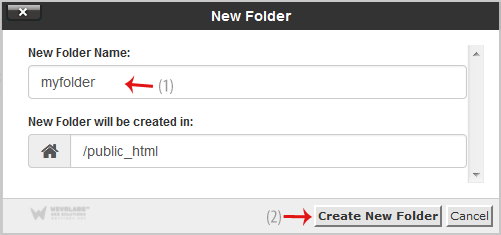
5. In the "New Folder Name" field enter your folder name like "myfolder" (without the quotes). Then click on the "Create New Folder" button.
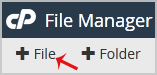
How to create new file like myfile.txt? 1. Click on the "New File" Icon.
2. In the "New Filename Field" enter your filename like "MyFile.txt" (without the quotes). Then click on the "Create New File" button.