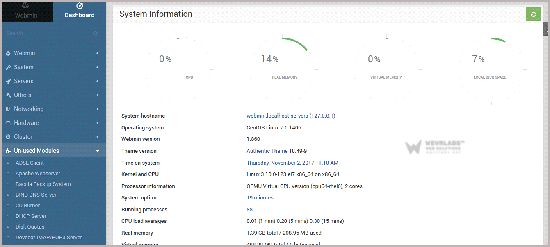
Webmin is a free hosting control panel with an easy installation. It takes only 5 to 10 minutes and the configuration is also simple.
What are the requirements?
- Fresh CentOS 7, installed on your VPS/Server.
**How to install Webmin?
Step 1:** First you will need to login to SSH Client using your root account.**
Then enter these 4 commands: ** yum install wget -y wget http://prdownloads.sourceforge.net/webadmin/webmin-1.860-1.noarch.rpm yum -y install perl perl-Net-SSLeay openssl perl-IO-Tty perl-Encode-Detect rpm -U webmin-1.860-1.noarch.rpm
Note: Installation can take a few minutes and will depend on your server speed. Once it is complete, you will see a message with your Webmin admin URL.

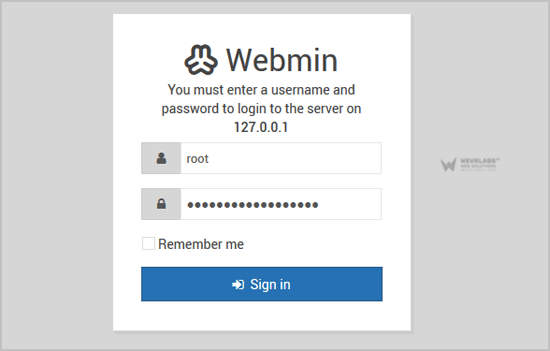
Step 2: Next, open Webmin in a browser, **https:// ip-address here:10000 **
 On CentOS 7, if the URL doesn"t work, it means that you need to open port 10000. You can do so by running this command:
firewall-cmd --zone=public --add-port=10000/tcp --permanent
firewall-cmd --reload
On CentOS 7, if the URL doesn"t work, it means that you need to open port 10000. You can do so by running this command:
firewall-cmd --zone=public --add-port=10000/tcp --permanent
firewall-cmd --reload
The Webmin Dashboard will open. The New Design of WebMin looks really nice.