

First, download the addon package by visiting your license details page from the list of your licenses in the link below:
https://dash.wevrlabs.net/clientarea.php?action=products&module=licensing
Once you download the package, unzip the package file on your computer.
Inside the package directory, choose the compressed addon zip file that corresponds to your environment.
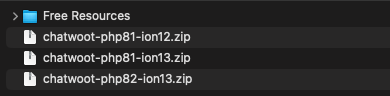
Upload this file to your installation inside the /modules/addons/ folder and unzip the contents there.
In your dashboard, navigate to System Settings > Addon Modules. Locate the add-on (Chatwoot Integration for ) and activate it.
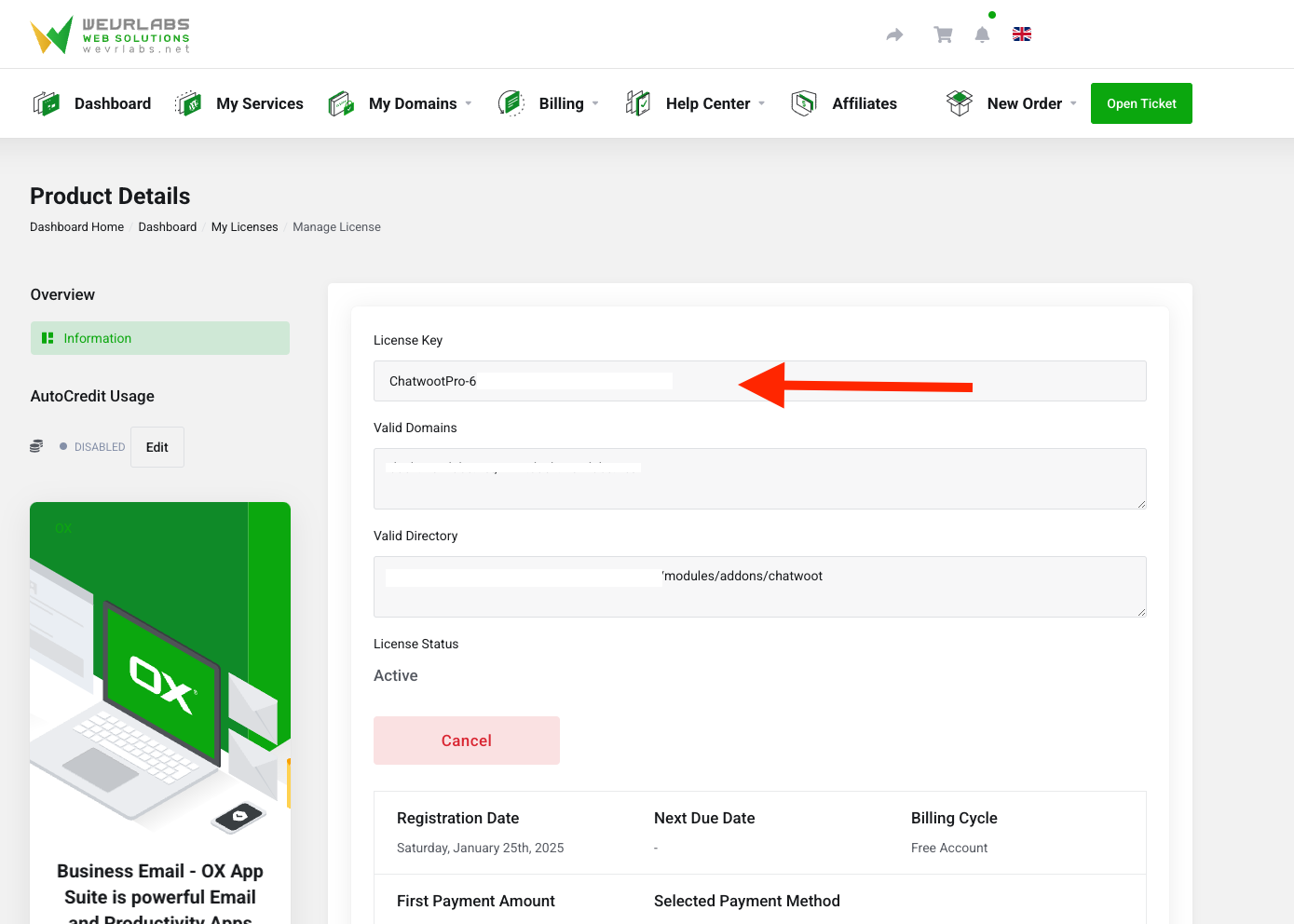
Once you activate the add-on, obtain your license key from the license details page in the link above, enter it in the license key field, and then click to save the settings.
To continue with configuring the addon settings, please follow the guides in the links below.