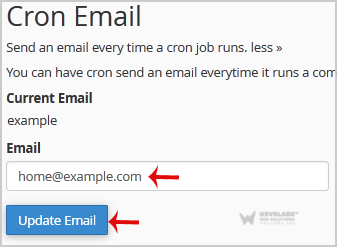
If you want to receive a cronjob error or notification, you can update your e-mail address from the cPanel's Cronjob Page.
1. Log into your cPanel account.
2. In the "Advanced" section, click on "Cron Jobs" Icon.

3. Under "Cron Email" you should enter your full e-mail address in text field.
4. Click on the "Update Email" Button.