**
- **Log into your SiteWorx account. (e.g. www.example.com:2443/siteworx/ )
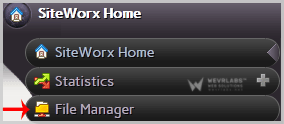
2. Under "SiteWorx Menu", click on the "File Manager" option.
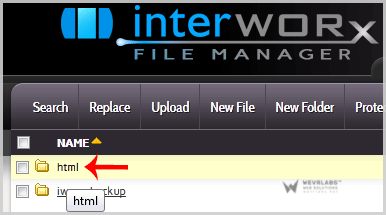
3. Navigate to the directory where your file is located.
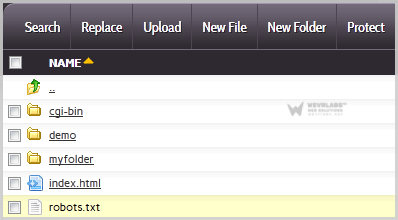
4. Click on the file you want to edit and it will open in edit mode.
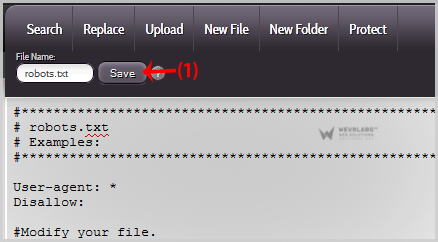
5. Make changes to your file and then click on the "Save" button.