

1. Open "Account-Level Filtering" in your cPanel Account.

2. Under "Current Filters" you can see all of your existing filters. Click on "Delete" next to the appropriate filter name.
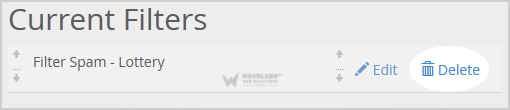
3. Click on the "Delete" button.
**4. **Now click on the "Delete Filter" button to remove your filter.