You can change the root/admin password of your VPS Operating System using SolusVM
1. Login to your SolusVM Control Panel.
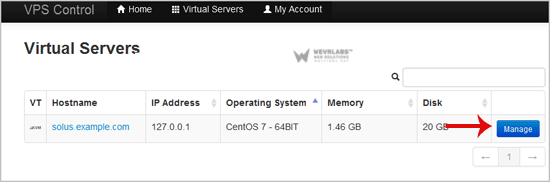
2. If you have multiple VPS, select the appropriate one.
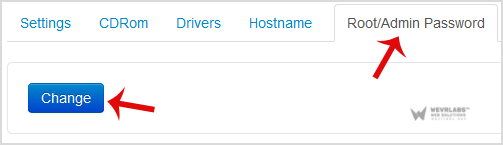
**3. **Scroll down, and under the "Root/Admin Password" tab, click on "Change".
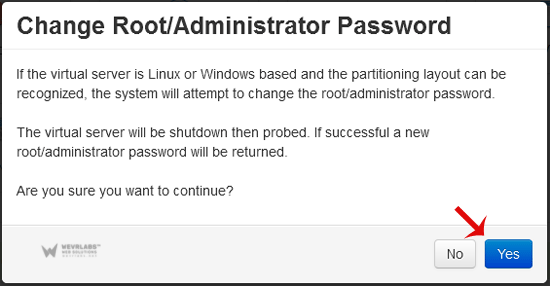
4. It will prompt for a confirmation. Click on "Yes".
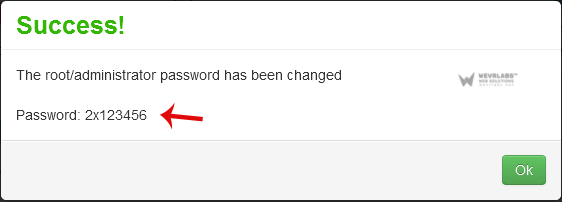
5. It can take some time to change the password and then it will display it. Copy the password to notepad.