Login to cPanel ... For help accessing cPanel, please visit this guide:
https://dash.wevrlabs.net/knowledgebase/2/
Locate and click this icon to access the Domains section:

Click the button marked with the arrow:
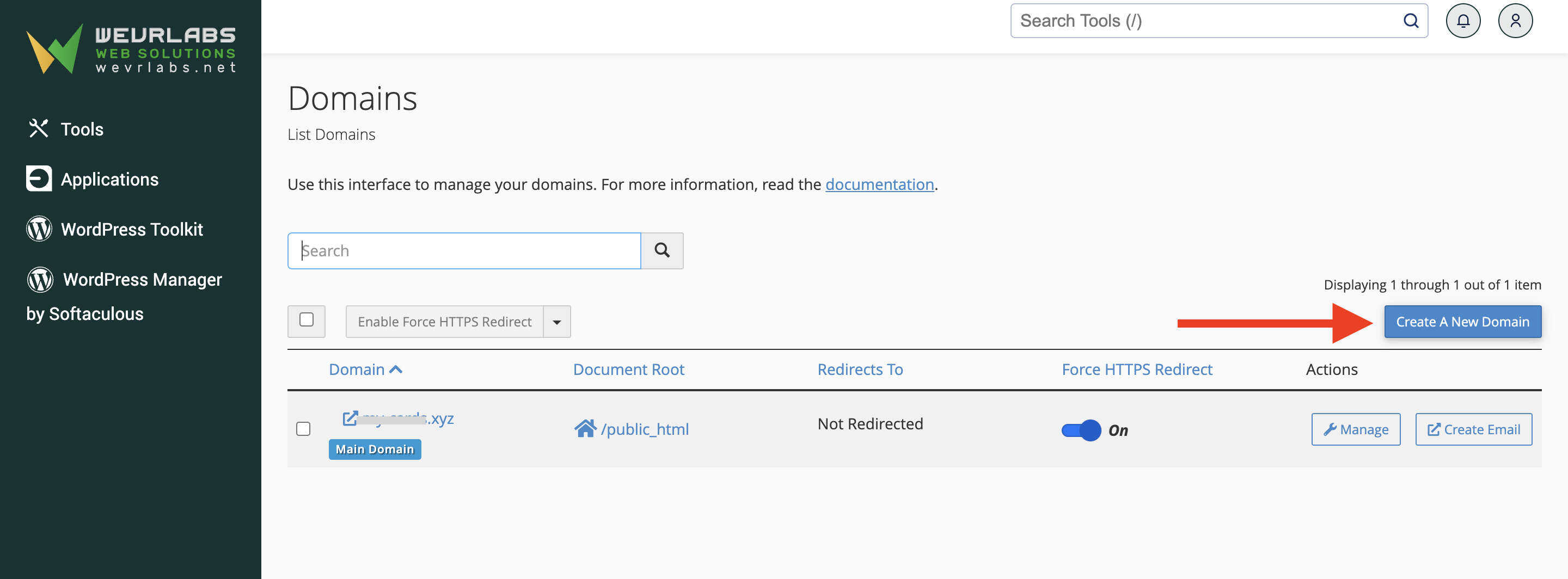
The screen below will appear:
-
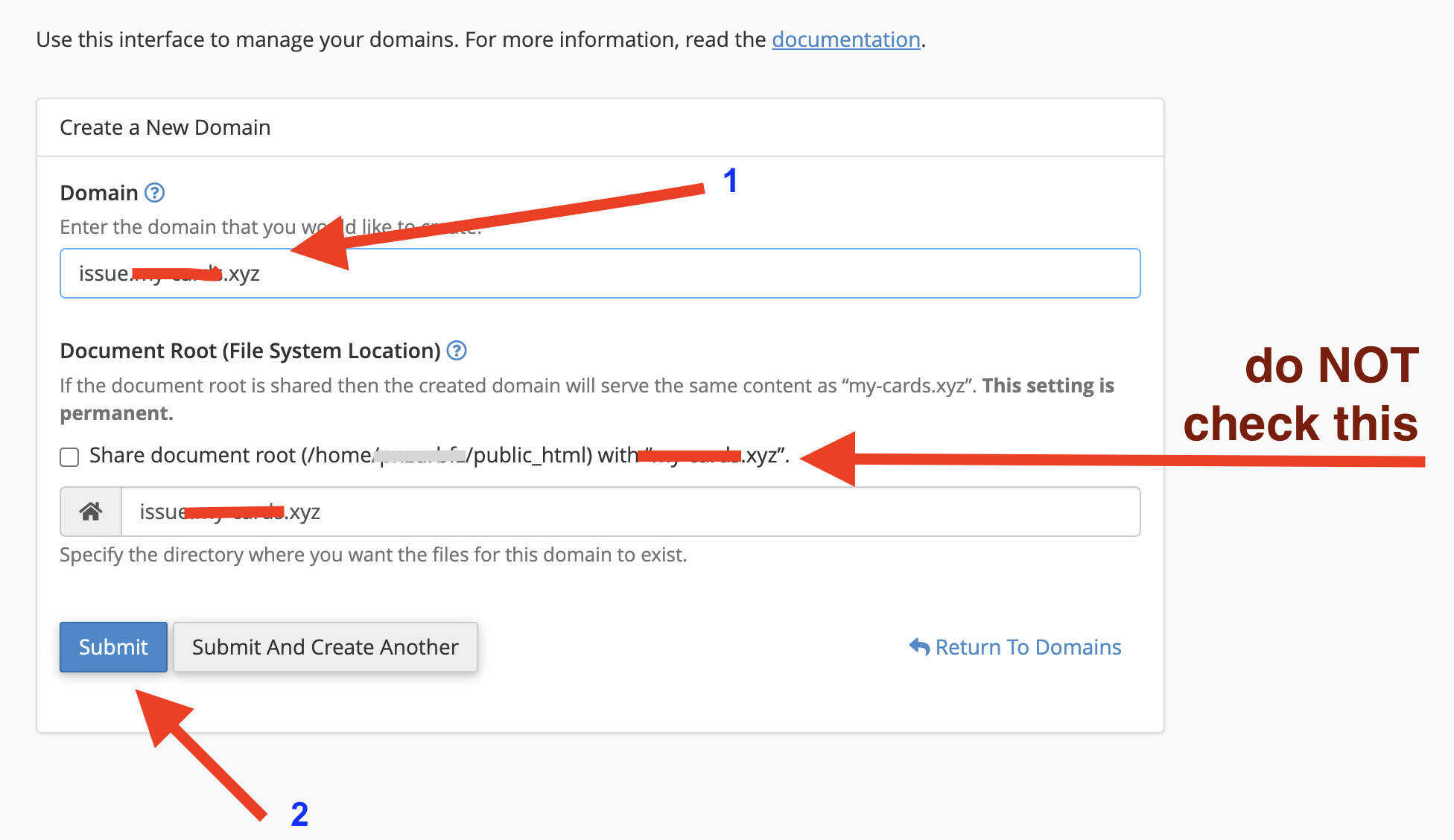
Type your subdomain along with the main domain ... For example, if your main domain is
mydomain.comand you wish to add a subdomain likeblog.mydomain.com, then you type it like this:blog.mydomain.com -
Remove (untick) the check mark from the option "Share document root".
-
Click Submit to save.
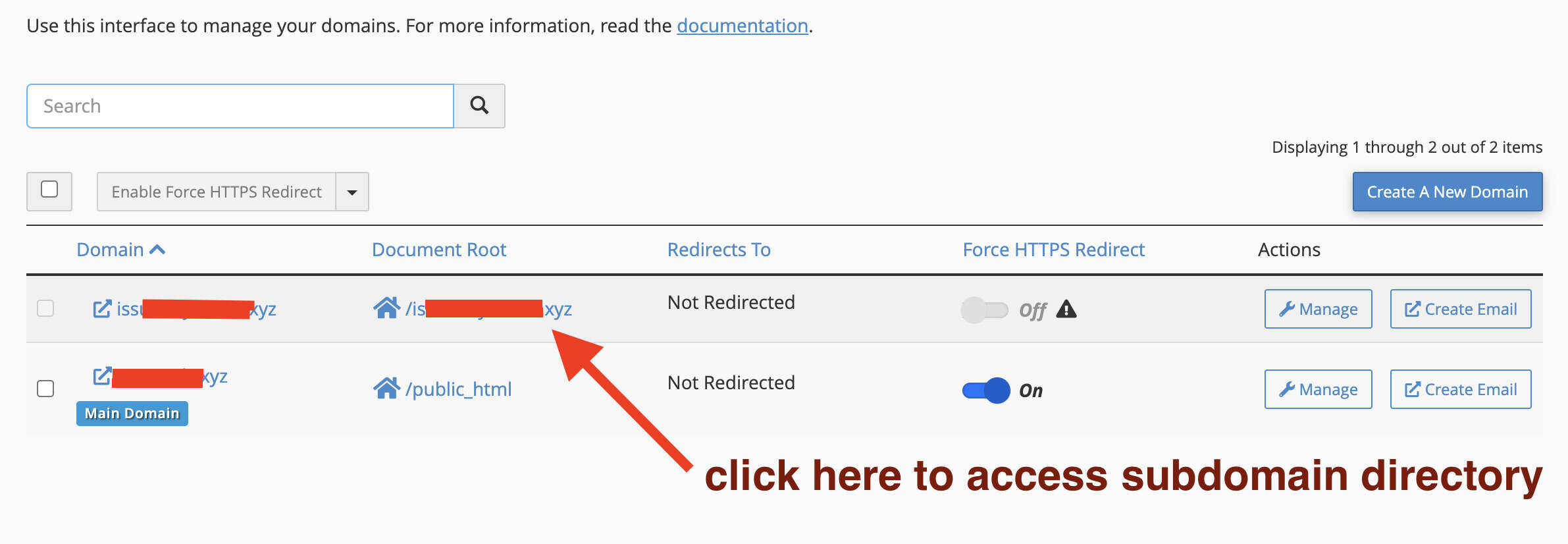
Your new subdomain will now appear in the list: